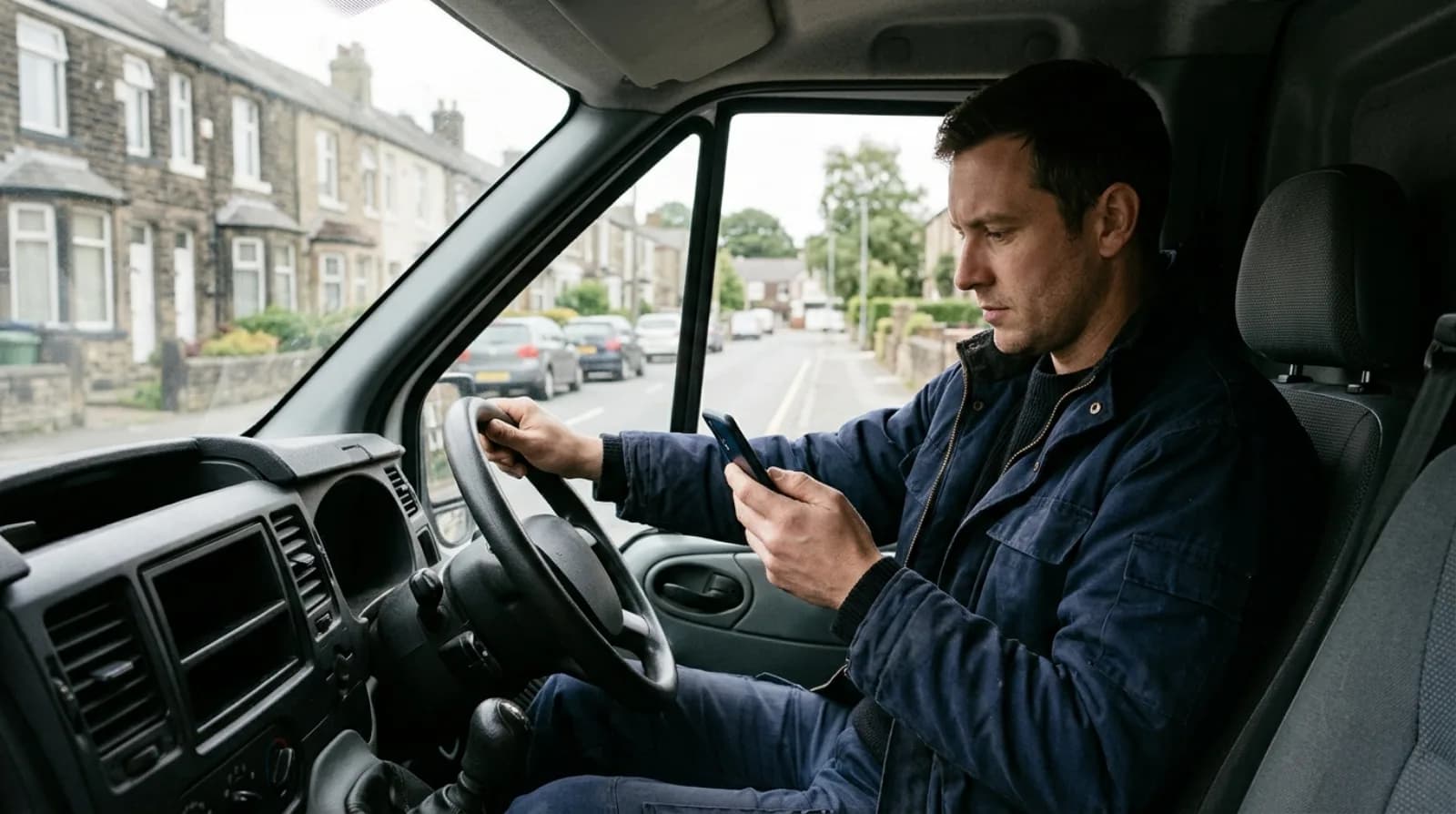

Zoho Bookings can book an engineer visit, but it does not work out the drive between one customer and the next. Its buffer time is a fixed block added before and after each service, so a ten-minute hop and a ninety-minute drive get the same gap. If your engineers or sales reps travel between customer addresses, that is the part you have to cover some other way, and Scheduler from We UC does it inside Zoho CRM using UK postcodes.
What does Zoho Bookings do well?
Zoho Bookings is a booking page with staff calendars behind it, and it connects to Zoho CRM. According to Zoho's CRM integration guide, customer booking details can be pushed to modules in Zoho CRM, appointment details are added to the Meetings module, and events in CRM sync back to Bookings and block the matching time slot. What gets synced depends on the Bookings plan: Free covers Leads and Contacts with primary fields only, Basic covers all standard modules, and Premium adds custom modules and custom fields.
For a salon, a clinic or a consultant who sees clients in one place, that is most of what you need. The calendar knows when someone is busy, the CRM knows who the customer is, and nothing about the day involves getting in a van.
Does Zoho Bookings account for travel time between appointments?
Not as a calculated figure. Zoho describes buffer time as "the extra time added before and after the appointment duration", set on each service, and the help page lists delays in reaching the location as one reason you might use it. It does not describe a rule that looks at where the previous or next appointment is. Edits to a buffer apply to new bookings only, and the buffer is not applied to group booking services.
Here is what that looks like with a made-up example. Say you set a 30-minute buffer on a boiler service. An engineer who finishes one job and has the next one a few streets away will have 30 minutes of nothing, and an engineer whose next job is an hour and a half down the road will be offered the slot anyway, because both gaps are 30 minutes. A buffer big enough to cover the longest drive wastes time on every short one, and a small one lets the long drives through.
What changes when drive time is part of the slot search?
The slot gets judged by its neighbours. Scheduler looks at the nearest appointment before a free slot and the nearest one after it, and offers the slot only if both are within the maximum drive time your admin has set. The drive time comes from UK postcodes, and Scheduler works for UK addresses only. Since 6 November 2026 each salesperson also has a home postcode, so an empty day is offered only within the maximum drive time of where they finish the day before, where they start the day after, or home. You can read the details in the changelog entry on nearby slots and the entry on home postcodes.
| Zoho Bookings buffer | Scheduler drive-time rule | |
|---|---|---|
| Gap between appointments | Fixed minutes, set per service | Maximum drive time between neighbouring appointments, set by an admin |
| Looks at the previous and next address | No rule described in Zoho's help | Yes, by UK postcode |
| Where the agent works | A booking page or the Zoho Bookings plugin for Zoho CRM | From a Zoho CRM record, using a custom button or the Chrome extension |
| Result is saved to | The Meetings module in Zoho CRM | The destination module you choose in the workflow |
Who books the visit, the customer or your phone team?
That decides which tool fits. Zoho Bookings centres on a booking page where the customer picks a time themselves, which suits jobs with no travel in them. Scheduler is built for the other shape of work, where a booking agent or dispatcher is on the phone with a customer, opens the CRM record, sees slots that respect the engineers' travel, and books one before the call ends. If your visits come from a phone team working in Zoho CRM, the second shape is probably closer to how you already run the day, though it is worth testing against a normal week of your own bookings before you decide.
Can I use both?
Yes, and for many teams that is sensible. Self-service booking for work with no travel in it can stay in Zoho Bookings, and anything an engineer drives to can go through Scheduler from the CRM record. Scheduler saves the booking back into Zoho CRM, so the diary the engineer sees is still the one in the CRM.
If you run installations, the installation teams page shows how this works day to day, and the Zoho CRM integration page covers how Scheduler is launched and where bookings are saved. For the drive-time rules themselves, see drive time optimisation.
Common questions
Is Zoho Bookings enough for a field service business? It is enough when the customer comes to you or the job has no travel. For engineer visits across a region it gives you a fixed buffer per service and no rule based on the distance between addresses, so travel is left to whoever books.
Do I need Zoho FSM instead? That is a separate Zoho product for field service management, and this article does not compare it. If you only need to book visits from Zoho CRM with drive time respected, see our page for Zoho CRM users.
Does Scheduler replace Zoho CRM? No. Scheduler is launched from a Zoho CRM record and saves the booking back to Zoho CRM.
Does Scheduler work outside the UK? Not at the moment. Drive times use UK postcodes, and UK postcodes are the only ones supported.
Where can I see the price? On the pricing page.