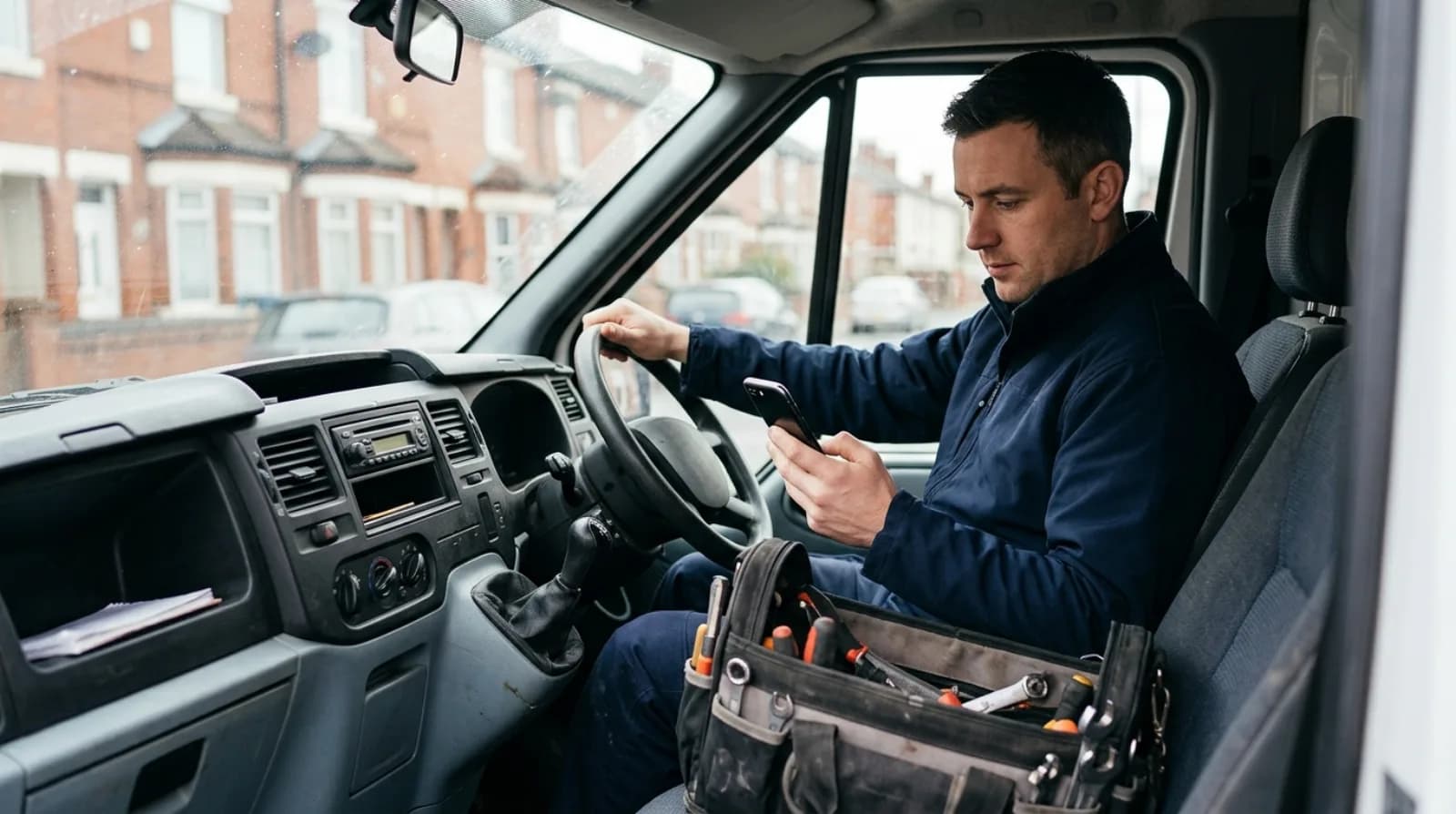

Calendly is good at one thing for field teams, which is letting a customer pick a free time in someone's diary. It does not calculate the drive between two customer addresses: a Calendly community post says there is no way to determine the length of a travel buffer between two addresses automatically, so someone has to guess a number. If your engineers or sales reps move between sites all day, the guess is the part that fails, and Scheduler from We UC covers it inside Zoho CRM using UK postcodes.
How does Calendly handle travel time?
With buffers you set by hand. Calendly's buffer guide lists "travel between meetings" as one of three uses for a buffer, and says it "uses the full meeting and buffer window to determine which booking times are available". A 30-minute meeting with 15-minute buffers either side needs 60 free minutes, though the meeting stays 30 minutes long.
The community tip on buffers for travel is blunter about the limit. It says there isn't a way right now to determine automatically how long a travel buffer needs to be between two addresses, and that Apple and Google maps don't offer API calls for Calendly to calculate distance and time between your locations. Its workaround is a separate event type for each location, each with a before-buffer sized for that trip.
Why does a fixed buffer go wrong for engineers?
Because the buffer is the same whichever address the engineer is coming from. Take a made-up engineer with a 30-minute before-buffer. If the previous job was two streets away, 30 minutes of the day sits empty. If it was an hour and a half away, the customer is offered the slot anyway and the engineer arrives late. Set the buffer long enough for the worst drive and you lose time on every short one, and set it short and the long drives get through.
Calendly also says that stacking a before and an after buffer blocks both, so two back-to-back meetings with 15 minutes each side leave 30 minutes that cannot be booked. It suggests using only one of them to cut the blocked time.
What does drive-time scheduling do differently?
It judges a slot by where the neighbouring appointments are. Scheduler checks the nearest appointment before a free slot and the nearest one after it, and offers the slot only if both are within the maximum drive time an admin has set. Drive time comes from UK postcodes, and UK postcodes are the only ones supported. Since 6 November 2026 each salesperson also has a home postcode, so an empty day is offered only within the maximum drive time of where they finished the day before, where they start the day after, or home. The details are in the changelog entries on nearby slots and home postcodes.
| Calendly buffer | Scheduler drive-time rule | |
|---|---|---|
| Gap between visits | Fixed minutes, set per event type | Maximum drive time between neighbouring appointments |
| Knows the previous and next address | No, per Calendly's own community guidance | Yes, by UK postcode |
| Who picks the time | Usually the customer, from a booking page | A booking agent or dispatcher, from a Zoho CRM record |
| Where the booking lands | Calendly, and your connected calendar | The destination module you choose in Zoho CRM |
Who should book the visit, the customer or your phone team?
That is the real dividing line. A customer picking their own time from a booking page suits a call with no travel in it, such as a sales discovery call or a phone consultation. A visit to a house needs someone, or something, that knows where the engineer will be before and after. Scheduler is built for the case where a booking agent or dispatcher is on the phone with a customer, opens the CRM record, sees slots that respect travel, and books one before the call ends. If most of your visits arrive that way, we would test it against a normal week of your own bookings before you decide, because only your own diary shows how it behaves.
Can I use Calendly and Scheduler together?
Yes, and splitting the work is sensible. Meetings with no travel in them can stay on a Calendly page, and anything an engineer or rep has to drive to can be booked from the Zoho CRM record in Scheduler, which saves the booking back to Zoho CRM. The smart scheduling page covers how slots are found, the drive time page covers the rules, and the installation teams page shows a day in practice. We have also compared this with Zoho Bookings and Zoho FSM.
Common questions
Is Calendly good for field service businesses? It is good for letting customers choose a free time. It has no calculation for the drive between addresses, so for engineer visits across a region the travel gap depends on a number someone sets by hand.
Can Calendly add travel time automatically? Not according to Calendly's community guidance, which says maps providers don't offer the API calls needed and that buffers have to be adjusted manually.
Does Scheduler replace Calendly? Not necessarily. Scheduler books field appointments from Zoho CRM records using drive time by UK postcode, and it does not replace Zoho CRM either.
Does Scheduler work outside the UK? Not at the moment, because UK postcodes are the only ones supported.
Where can I see the price? On the pricing page.